



Basic First Aid Kit
Add to Favorites
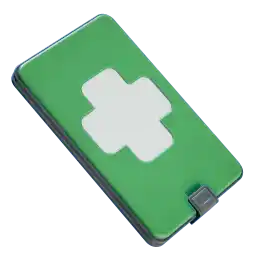
Basic First Aid Kit
Fabricator
Emergency medical satchel. Derived from Frontiersman medkits.
Stats for Basic First Aid Kit
+ 50 Health
How to Craft Basic First Aid Kit
Method 1
Make Basic First Aid Kit via Fabricator
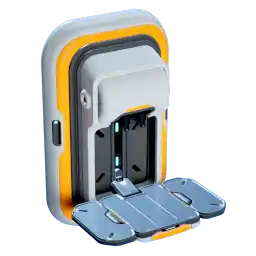 Made with Fabricator
Ingredients
Method 2
Make First Aid (from Medical Gel) via Processor
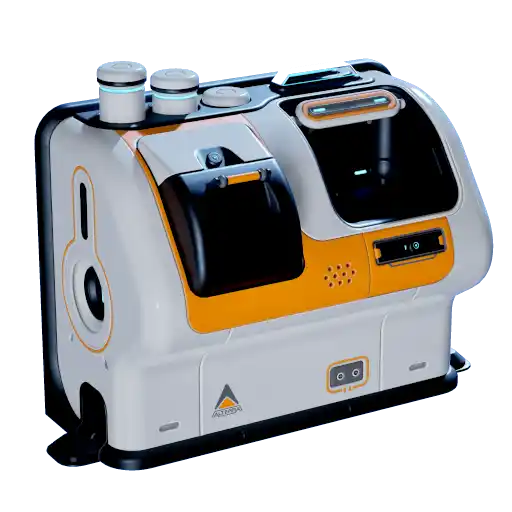 Made with Processor
Ingredients
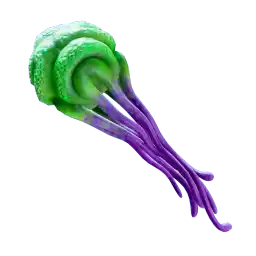
Databank Entry for Basic First Aid Kit
OPERATING INSTRUCTIONS
Equip to quick-access toolbelt or store in inventory. Use to regain health.
BACKGROUND
A satchel of emergency medical supplies derived from TSF Frontiersmen front-line trauma kits. The medkit is designed to self-apply: you never know when you'll end up the last one standing.
Because blackbox implants and biobeds can provide long-term care, the medkit is intended to keep you moving and working long to enough to escape a dangerous situation or complete a difficult task. The kit supplies seals, painkillers, hemostatic dressings, temporary tourniquets, conformal splints, fluid transfusions, nerve bridges, needle pumps, spray flesh, stimulants, and other rapid effectors.
The medkit may aggravate long-term injury in order to achieve short-term performance. Health is equity, and modern medicine gives you the confidence to leverage that equity in the pursuit of success.
*"The emergency medkit: now your health is a renewable resource."*
Basic First Aid Kit Recipe Tree
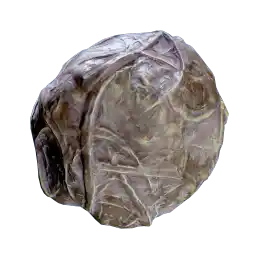

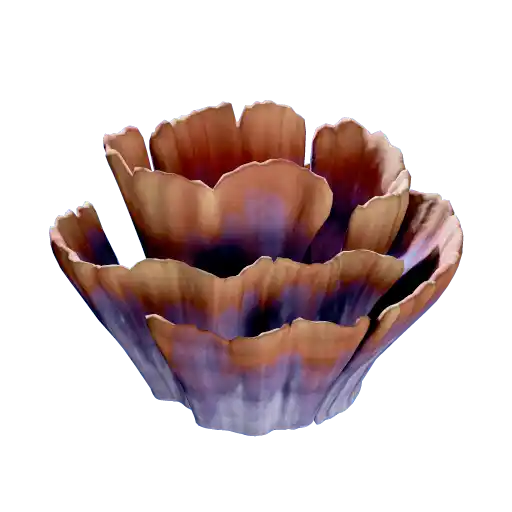

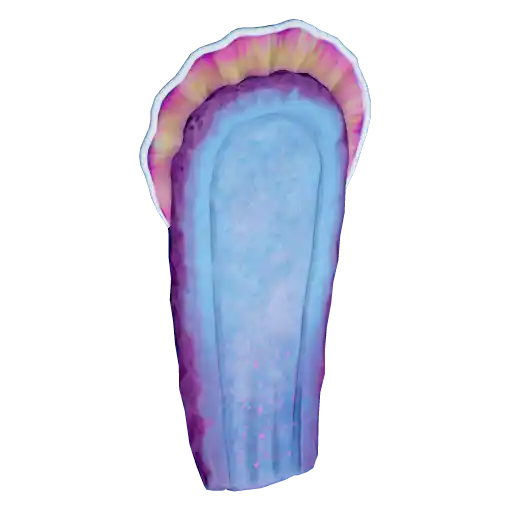
Press enter or space to select a node. You can then use the arrow keys to move the node around. Press delete to remove it and escape to cancel.
Press enter or space to select an edge. You can then press delete to remove it or escape to cancel.