


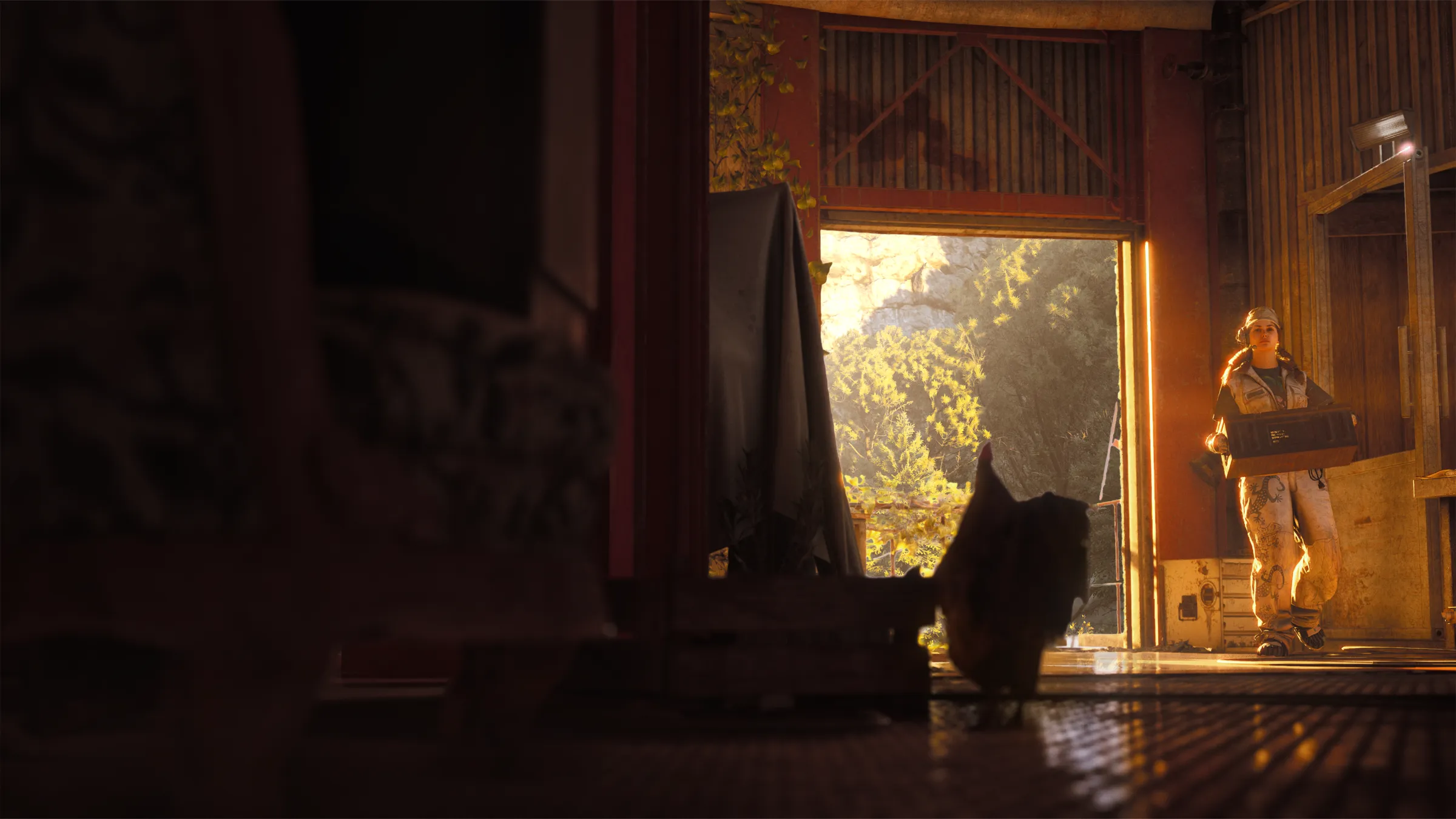


Walk through an ARC Raiders Outpost in first person
The one thing the game will not let you do in your Outpost is walk around it. You decorate from set camera views, and the room you spent all that Sheet Metal on is something you look at rather than stand in.
This page is our answer to that. It is the Base Room and every expansion, built to the game's own dimensions, with the lighting, furniture, and crafting stations in place, and you move through it like you would on a map.
Controls
| Key | Action |
|---|---|
| W A S D | Walk |
| Shift | Sprint |
| Space | Jump |
| Mouse | Look around |
| E | Inspect a bench or piece of furniture, or build in an empty slot |
| Esc | Release the mouse |
Click the view to start, and the lighting switcher in the top corner cycles the game's own presets: Sunset, Sunny, Rainy, and Winter. Full screen is a click away when you want the whole monitor.
What you can do in here
Walk up to any crafting station and press E to open it. The panel lists each bench level with its upgrade cost and the crafts it unlocks, which makes it the quickest way to answer "what do I get for taking the Gunsmith to IV".
Furniture opens the same way and shows its rarity, size, build cost, and where its Design comes from. Every material links to its page in the ARC Raiders database.
Switch to Build Your Outpost and empty slots start glowing. Press E on one to pick a piece, change or remove what is already there, and the planner picks up the change.
Example scenarios
Example Scenario: You are not sure whether a Panoramic room is worth the second expansion. Open the Demo Outpost, walk through the side door into the Panoramic room, and judge the windows for yourself before farming Epoxy Buckets.
Example Scenario: Your plan has a Diner Sofa in front of the Workbench and you want to know if it blocks the walk to it. Open Build Your Outpost, walk the route, and if it is in the way press E on the sofa and move it from the panel.
Frequently asked questions
Why can I walk here but not in the game?
In the game the Outpost is viewed through fixed camera angles and menus, which was the most common complaint when Frozen Trail launched. This page rebuilds the rooms in your browser so you can see them at eye level.
What does inspecting a bench show?
Its build and upgrade costs for every level, what each level lets you craft, and which blueprints those crafts need. Press Sync with a linked Embark account and every bench opens at the level you have in the game.
Does it work on a phone?
Yes. On touch screens you get a joystick in the corner for walking, and you drag on the view to look around. A laptop or desktop with a dedicated graphics card runs it most smoothly.
What is the Build Your Outpost option?
It loads the layout from your planner draft instead of the demo, and it lets you build straight from the walk. Press E on a glowing slot to pick a piece, and the change is saved back to the planner. Save it to My Outposts to get a link you can share.